Dec 15, 2025
Tags

Use Tags to organize your transactions in a whole new way. This is now available on iOS and Mac when you update to the latest version of the app.
Starting today, you can use Tags to organize your transactions in a whole new way. This is now available on iOS and Mac when you update to the latest version of the app.
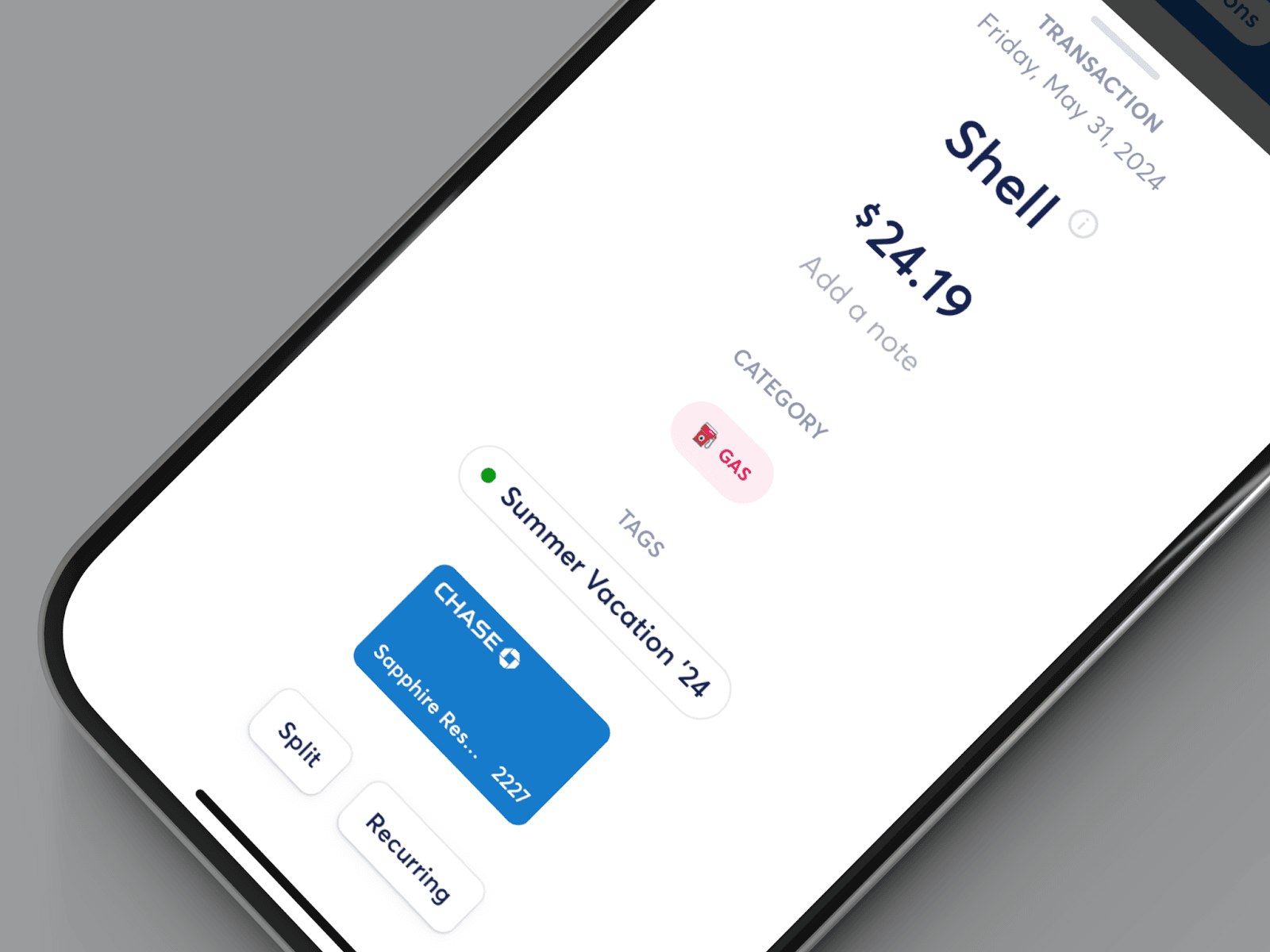
Until today, you could only use Categories to organize and track your spending. With Tags, you can group together any type of transaction. There are a lot of ways to use this feature, including organizing your spending during a vacation, tracking transactions that need a Venmo split, or for classifying different sources of income. You can create as many Tags as you want, and assign them different colors for easier recognition.

To see your monthly totals, simply filter your Transactions tab by one or more tags.
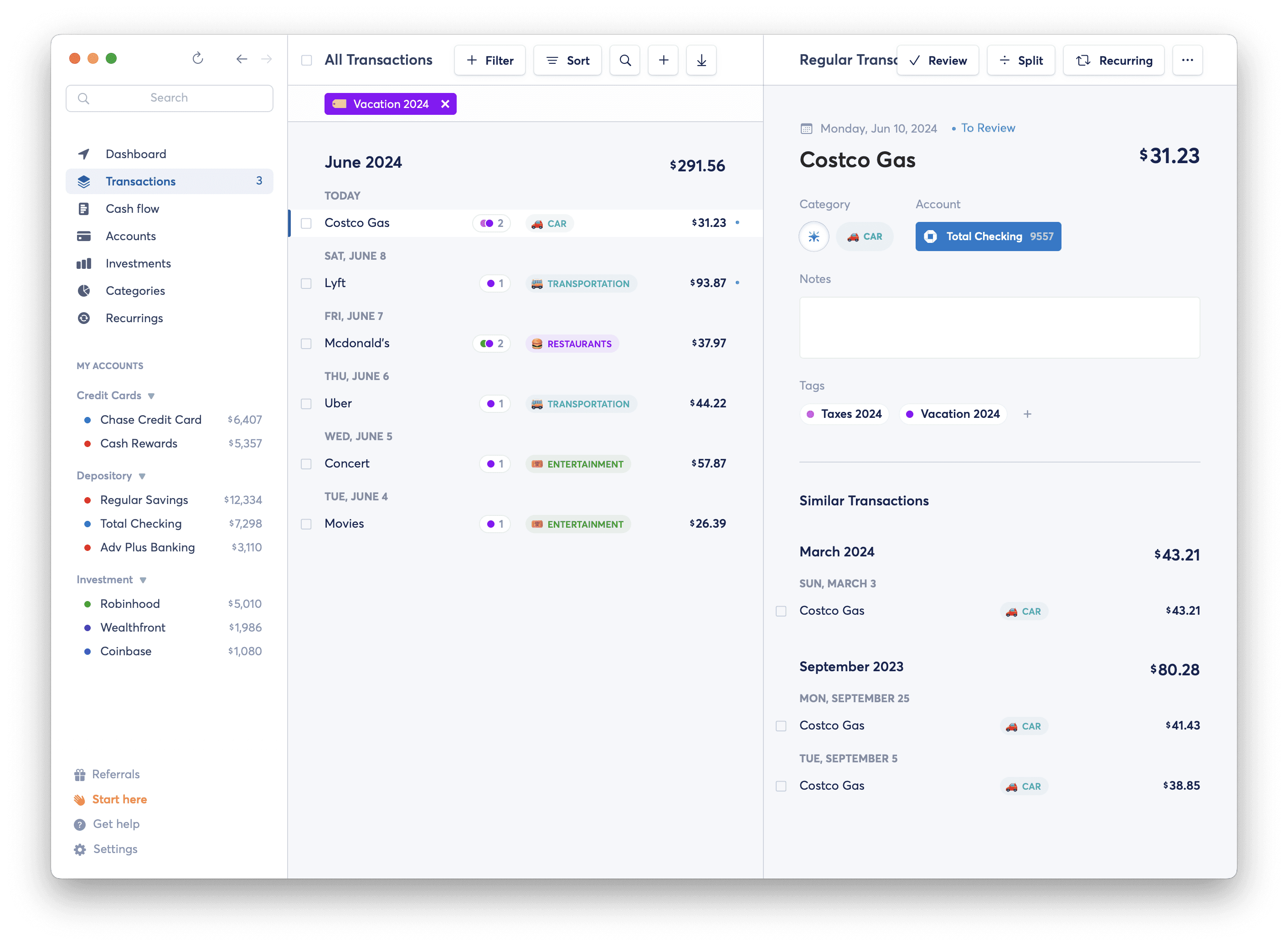
We hope that this new feature allows you even more granular control over how you want to organize your transactions, we can’t wait to see what you do with it. Keep an eye out for more features going live soon — our new Cash Flow section is next!